
Aider Integration
Overview
Section titled “Overview”Aider is a powerful voice and text-based AI pair programming tool that directly edits code in your local Git repository. It provides a natural language interface for making code changes, adding features, and fixing bugs.
Key Features
Section titled “Key Features”- Git Integration: Works directly with your Git repositories
- Voice Control: Optional voice commands for hands-free coding
- Real Code Edits: Makes actual changes to your codebase
- Multi-File Context: Understands project-wide dependencies
- Commit Management: Creates meaningful Git commits
Use Cases
Section titled “Use Cases”- Implementing new features via natural language descriptions
- Fixing bugs through conversation about the problem
- Refactoring code with AI assistance
- Exploring alternative implementations through dialogue
- Learning new codebases through guided exploration
Setup Instructions for interacting with Aider in text mode
Section titled “Setup Instructions for interacting with Aider in text mode”-
Install Aider
Terminal window python -m pip install aider-install -
Create an environment variable or modify Aider’s config
.aider.conf.ymlTerminal window export OPENAI_API_KEY="RELAX_API_KEY"export OPENAI_API_BASE="https://api.relax.ai/v1/" -
Run Aider with the relaxAI model
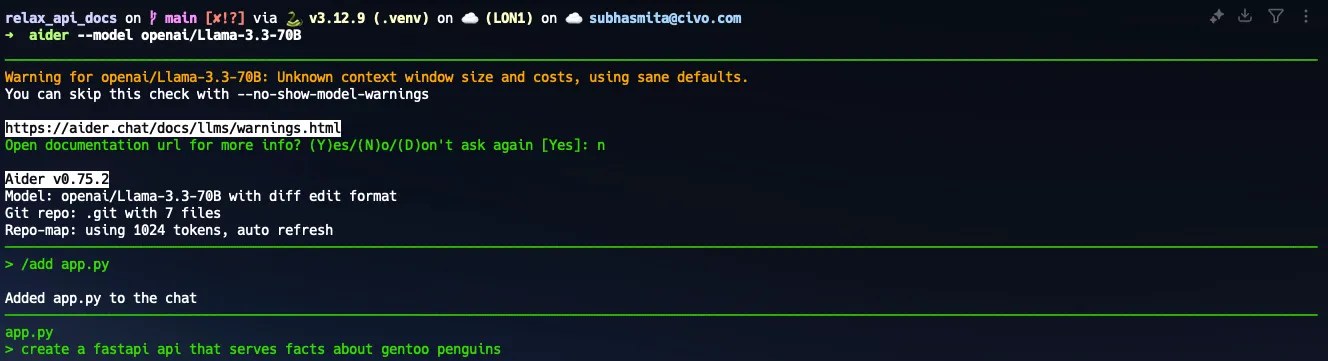
Terminal window aider --model openai/Llama-4-Maverick-17B-128E
Configuration Example (.aider.conf.yml)
Section titled “Configuration Example (.aider.conf.yml)”model: Llama-4-Maverick-17B-128Eopenai_api_base: https://api.relax.ai/v1/openai_api_key: RELAX_API_KEYUsing Aider
Section titled “Using Aider”Here are some common Aider commands:
/help- Show available commands/add <files>- Add files to the current coding session/drop <files>- Remove files from the session/ls- List files in the current session/diff- Show changes made so far/commit "message"- Commit changes with the specified message
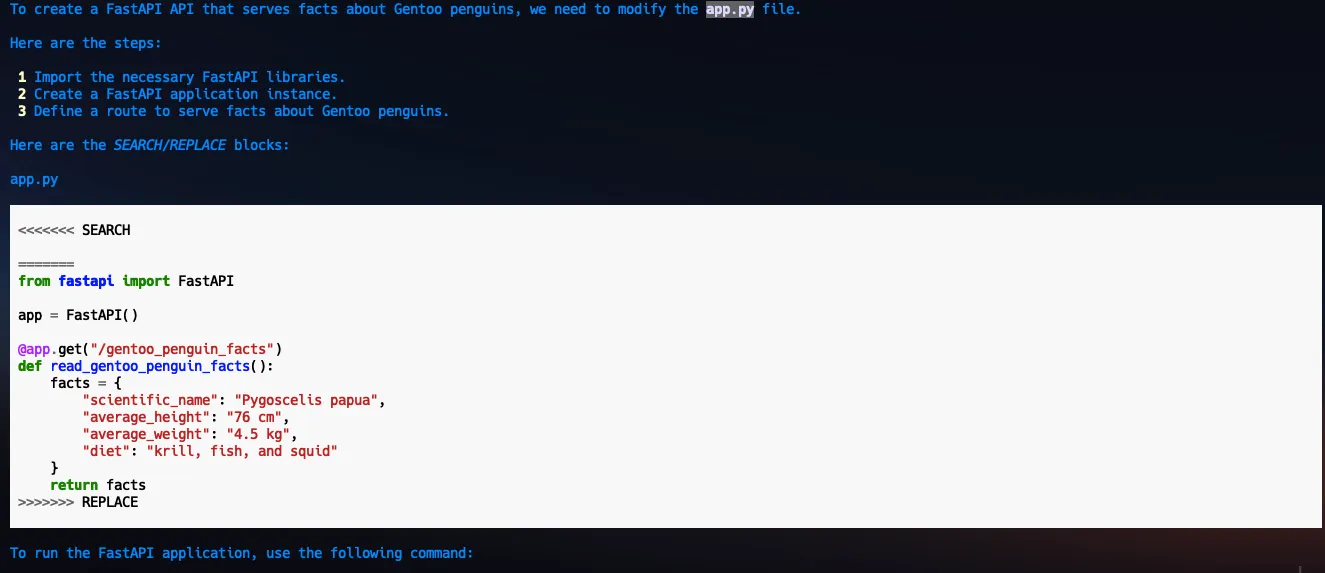
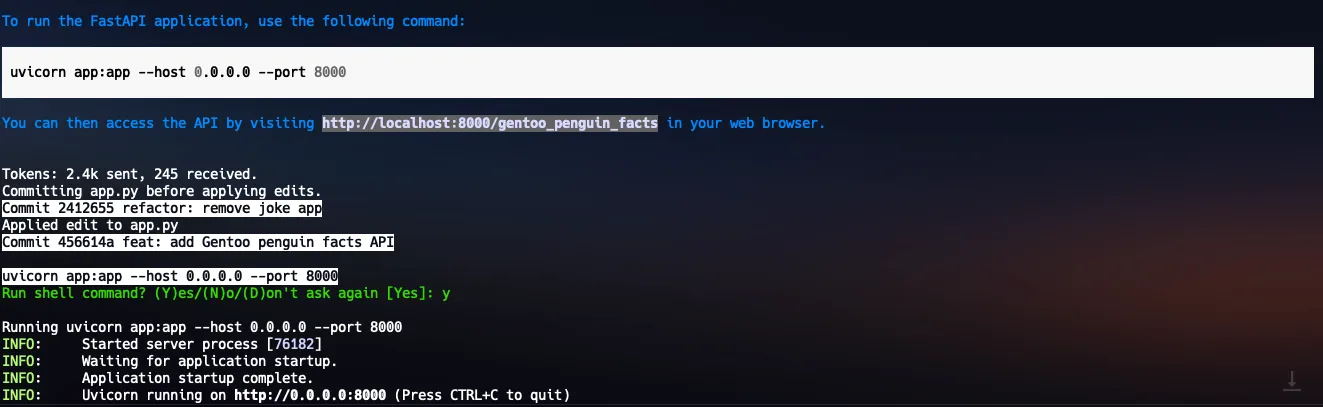
Example usage: